Discount Calculator Template (Free Excel Download)
Free discount calculator template for Excel. Find the sale price, your savings and stacked discounts in seconds. Works offline. Download it now.
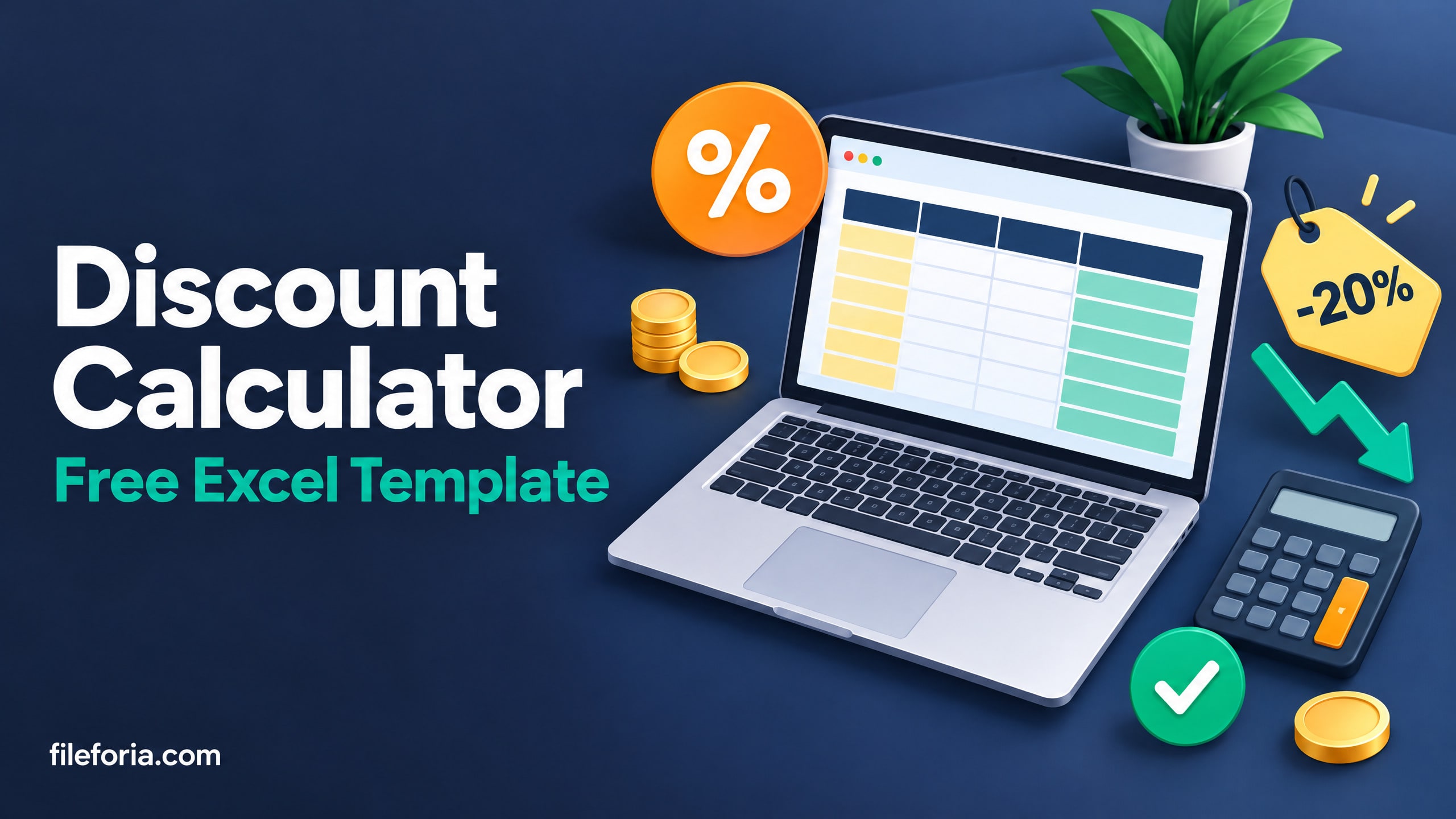
If you work out discounts by hand, you know how it goes. You think 30% off a $85 jacket is easy, then you second-guess yourself halfway through. This free discount calculator template does the math for you in Excel, so you can see the sale price and your savings in a couple of seconds.
Type a price, type a percentage, and you’re done. No formulas to write and nothing to install.
What is a discount calculator template?
A discount calculator template is a ready-made spreadsheet with the formulas already built in. You type in a price and a discount, and the sheet shows how much you save and what you pay.
The difference from an online calculator is simple. The spreadsheet lives on your computer. You can use it offline, keep a copy for each project, and change it to fit your own work. If you just need a quick answer right now, our online discount calculator does the same job in your browser.
What’s inside the template
The file has six sheets. Each one covers a different situation.
1. Discount Calculator
Enter the original price, the discount percentage and your sales tax. The sheet gives you the amount saved, the sale price and the final price with tax. You can pick your currency from a dropdown.
2. Find the Discount %
Sometimes you only know the old price and the new price. Type both and the sheet tells you the percentage off. It also labels the deal as great, good or small, so you can decide faster.
3. Stacked Discounts
Stores love “20% off, plus an extra 10% at checkout”. The template calculates each step and shows the real total discount.
4. Bulk Price List
This one is for sellers. List up to 50 products, set one discount for all of them, or override it on a single row. The totals update by themselves.
5. Cheat Sheet
Enter any price and see every discount from 5% to 90% in one table. It’s handy when a customer asks “what if I give you 15% off?”
6. How to Use
A short guide inside the file, in case you open it a month from now and forget how it works.
How to use the template in 3 steps
Download the file and open it in Excel, Google Sheets or LibreOffice.
Type only in the yellow cells. Everything else is locked, so you can’t break a formula by accident.
Read your result in the teal cells.
A quick example
Say a pair of sneakers costs $80 and the sign says 25% off.
Savings: $80 × 25% = $20
Sale price: $80 − $20 = $60
If you want to understand the formula behind it, the Excel version is =Price*(1-Discount). Our guide on how to calculate percent off explains it step by step, and Microsoft’s page on calculating percentages in Excel covers the basics of percentages in a spreadsheet.
Why stacked discounts surprise people
Take 20% off and then 10% off a $100 item. Many people add them up and expect 30% off. The real result is $72, which is 28% off.
The reason is that the second discount is taken from the new, lower price, not from the original one. The Stacked Discounts sheet shows this clearly, so you don’t get fooled by a sale banner.
Who is this template for?
Shoppers
Compare deals before you buy. Is 40% off a high-priced item better than 25% off a cheaper one? Type both and check.
Small business owners and sellers
Price your products, plan a sale, and see how much margin you give away. The bulk sheet is built for this. If you want to test a common promotion first, try our 50 percent off calculator.
Students and teachers
The sheets show every step, so they work well as a way to learn how percentages behave.
Why Excel instead of a website?
It works offline. No internet needed once you have the file.
It handles many items. Websites usually do one price at a time.
You can edit it. Add your own columns, logo or product names.
You keep your data. Nothing you type leaves your computer.
If you’d rather keep everything on one page, you can also embed our calculator on your own site.
Frequently asked questions
Is the discount calculator template really free?
Yes. It’s a free download, and there are no macros in the file.
Will it work in Google Sheets?
Yes. Upload the file to Google Drive and open it with Google Sheets. The formulas and the dropdown work there too.
Can I change the currency?
Yes. Use the currency dropdown on the first sheet. It includes $, €, £, MAD, SAR, AED and CAD.
Can I edit the formulas?
The formula cells are locked so nobody breaks them by mistake. There is no password, so you can unprotect the sheet from the Review tab if you want to customize it.
Is it available in other languages?
Yes. We also offer versions in French, German, Spanish and Arabic.
Download your free template
Get the file, open it, and try the three examples above to see how it works. After that, use it for your next purchase or your next sale.
Want more tools? Browse our other free downloads, or keep the discount cheat sheet open while you shop.